Editorial Team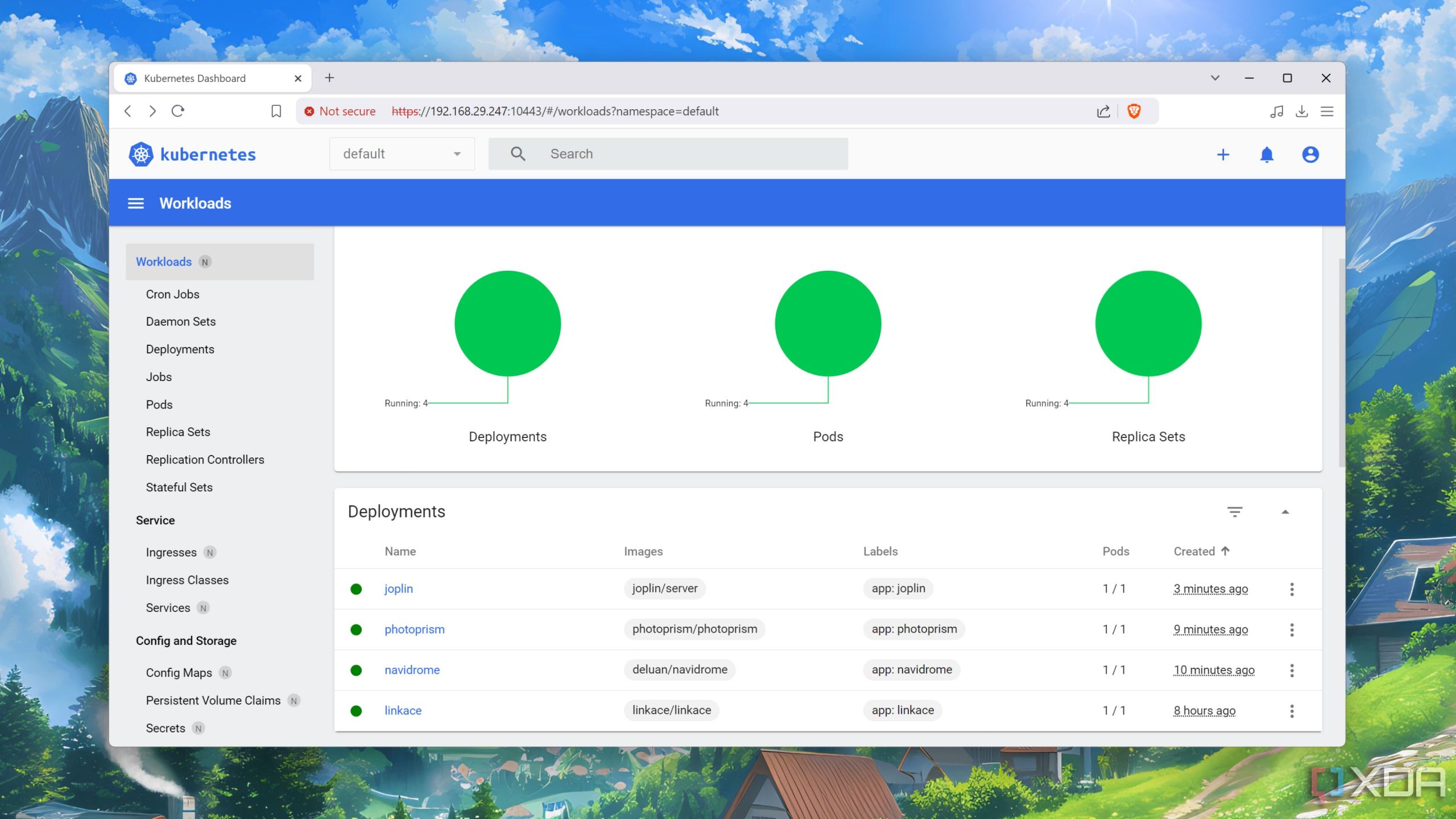
Building a Kubernetes cluster using Raspberry Pi devices offers developers an affordable and highly flexible approach to practicing container orchestration and microservices architectures. Raspberry Pi, a credit-card-sized computer, has gained traction in the developer community due to its accessibility and low-cost nature, making it an ideal candidate for hands-on experimentation with Kubernetes.
Creating a Kubernetes cluster on Raspberry Pi not only provides a sandbox for testing and development but also helps bridge the gap between software engineering concepts and real-world applications. Inside your local network, this setup can be utilized to deploy applications, understand scaling and load balancing, and enable CI/CD pipelines, giving developers valuable insights into cloud-native technologies.
To get started, ensure you have several Raspberry Pi units (ideally, at least three for a minimum viable cluster), an SD card for each, and a reliable power and network setup. Install a lightweight operating system like Raspberry Pi OS, which is based on Debian, to manage resource constraints effectively. Following the official documentation from Kubernetes is crucial—consult the Kubeadm installation guide for step-by-step instructions tailored for Raspberry Pi environments.
Once your basic environment is set up, the next phase involves installing necessary tools such as Docker for container management and Kubernetes components like kubelet and kubeadm. Developers can tap into Raspberry Pi’s GPIO pins to create IoT projects that integrate seamlessly with cloud services, leveraging the power of Kubernetes to manage these components. For instance, building a microservice that gathers sensor data and deploying it on your cluster can showcase the practical benefits of your setup.
It’s essential to consider networking configurations as well—configurations such as Flannel or Calico can enhance cluster communication. Through these configurations, developers can gain practical knowledge regarding network policies and service discovery, which are vital in larger, production-level Kubernetes deployments. Resources such as the official Calico documentation can provide valuable insights into setting up your network.
As you work with this setup, monitor performance and resource usage to optimize your applications and understand the implications of scaling and redundancy. This experimentation can serve as a precursor to a deeper understanding of cloud-native computing, preparing you for engaging with cloud service providers like AWS, GCP, or Azure, which increasingly support Kubernetes as part of their offerings. Furthermore, as we witness a growing trend towards edge computing, a Raspberry Pi Kubernetes setup can serve as a foundational step in developing or testing edge applications.
In summary, utilizing Raspberry Pi to build a Kubernetes cluster allows developers to explore various aspects of container orchestration in a cost-effective and hands-on manner. This experience not only enhances technical skills but also fosters innovation and experimentation within the realm of modern application development.